A logo is not
a stitch file.
Embroidery digitizing: Somebody has to decide where every needle goes. A person charges $10–85 and takes a day or two. Drop your logo here and see the stitches in seconds — then judge them yourself, before you sew.
What digitizing is
Embroidery digitizing is the work of turning artwork into a stitch file — a list of needle positions, thread changes and trims that an embroidery machine executes literally. It is not a conversion. A machine cannot read a PNG or an SVG, and nothing in those files says which direction a stitch should run, how dense a fill should be, or where the thread travels between two shapes.
Those decisions are the craft. Get them wrong and the fabric puckers, the letters close up, and the thread breaks on the machine.
Typical price per logo when a person digitizes it, 2026. Turnaround is usually a day or two, and often longer.
What the edition that can digitize artwork costs, if you would rather do it yourself. The cheaper editions letter and edit only.
The same job here, at our lowest price per file on a yearly plan: one logo, one file, every machine format — in seconds instead of a day.
How small a logo can go
This is the question nobody answers, and it has a number. A satin stitch narrower than about 1 mm cannot hold itself together — there is no room for a needle in each edge plus thread in between, and the letter comes out as a dotted line.
So the smallest size a logo survives is set by its own thinnest line, not by taste. Measured on a round car badge with lettering inside it, from our own test sheet:
| Width on the garment | Thinnest line | Small lettering |
|---|---|---|
| 20 mm | 0.32 mm | gone |
| 30 mm | 0.49 mm | broken up |
| 40 mm | 0.65 mm | readable |
| 60 mm | 0.97 mm | clean |
The right fix is the size
If the lettering is too thin, the mark has to be bigger. That is the whole answer.
The wrong fix is the logo
Thickening the type, dropping a word, redrawing a letter — it is faster, and it gives the customer back something that is no longer their logo.
Good in, good out
A stitch file can only be as sharp as the drawing it came from. Nothing downstream puts back an edge the file never had — not our engine, not anyone else’s, not a person with forty years at the machine.
That cuts both ways, and the second half is the useful one: give us a clean drawing and the mark comes out clean, at any size you like.
We do not compromise
Anyone can make a small file look big. We would rather tell you the drawing is too small than quietly sew something soft and let you find out on fifty garments.
Send the biggest file you have
An SVG, an AI file, or a PNG at least 2,000 px wide. Vector has no size at all — it is right at 20 mm and right at 300 mm.
A screenshot is the hard case
A logo lifted off a website is a few hundred pixels with the edges already softened. We will sew it, and it will look like what it is.
Big badges ask for more
Above 250 mm the engine reads 2,000 points across the mark. Below that, letters go soft — so the workshop says so before you spend the time.
What Sting is
Sting is our own refined embroidery stitch engine built by digitizing.app. It converts PNG, JPG and SVG artwork into machine stitch files — DST, PES, JEF, VP3, EXP and XXX — in seconds. Current version: Sting v2.21.1.
Which file your machine reads
The stitches are identical in all of them. Only the wrapper differs — so “which format?” is a question about your machine, never about quality.
| Format | Machine | Where you meet it |
|---|---|---|
| DST | Tajima | Every commercial machine |
| PES | Brother · Babylock | Home and small studio |
| JEF · SEW | Janome · Elna | Home |
| VP3 | Husqvarna Viking · Pfaff | Home |
| EXP | Melco · Bernina | Commercial |
| XXX | Singer | Home |
| SVG | Illustrator · Figma · Inkscape | Not a machine — the drawing itself |
If you run a business, it is DST. Everything else is a home machine asking for its own envelope.
What you can send in
A PNG, a JPG, an SVG, a PDF or an Illustrator file. Each one behaves differently — here is what happens to yours:
When embroidery is the wrong choice
Three cases, and in all of them print is the better answer. Anyone who tells you otherwise is selling stitches.
- A photograph, or a gradient
- Thread has no half-tones. A sunset becomes four flat bands of colour, and it looks like a mistake rather than a choice.
- Text under about 4 mm tall
- Below that, a capital letter is thinner than the thread that has to draw it. A finer thread buys a little room — it does not buy that.
- More than about eight colours
- Every colour is a needle to thread and a trim between. It is not that the machine cannot; it is that you pay for each one, on every single garment.
What a good stitch file looks like
Five things you can check before you sew, without being a digitizer.
| Check | Good |
|---|---|
| Stitches cross each line, never run along it | under 5% running along |
| Coverage — how many times thread crosses the fabric | 150–250% |
| Trims, on a chest-size badge | tens, not hundreds |
| No thread travelling across a hole in a letter | none at all |
| PNG, JPEG and SVG of the same art give the same file | under 10% apart |
A file that is too dense is the common failure, not one that is too thin: 400% coverage is a stiff plate that curls the garment and takes twice as long on the machine.
Type: …I love you
You do not need a logo. Type the words, choose a typeface, and the same engine sews them — a name on a sleeve, a date inside a jacket, a line on a cushion.
| What you get | |
|---|---|
| Typefaces | Eleven, each with the smallest height it can carry |
| Smallest letter | 6 mm for most, 25 mm for the fine script |
| Lines | As many as you like — return makes a new line, and you set the letter spacing |
| Formats | The same seven, including the vector drawing |
| What it costs | $5 a file — no account, no subscription |
The smallest height is measured, not chosen: it is the point where the thread stops leaving bare fabric between the letters. Below it the size is simply not offered.
Stitched, not printed
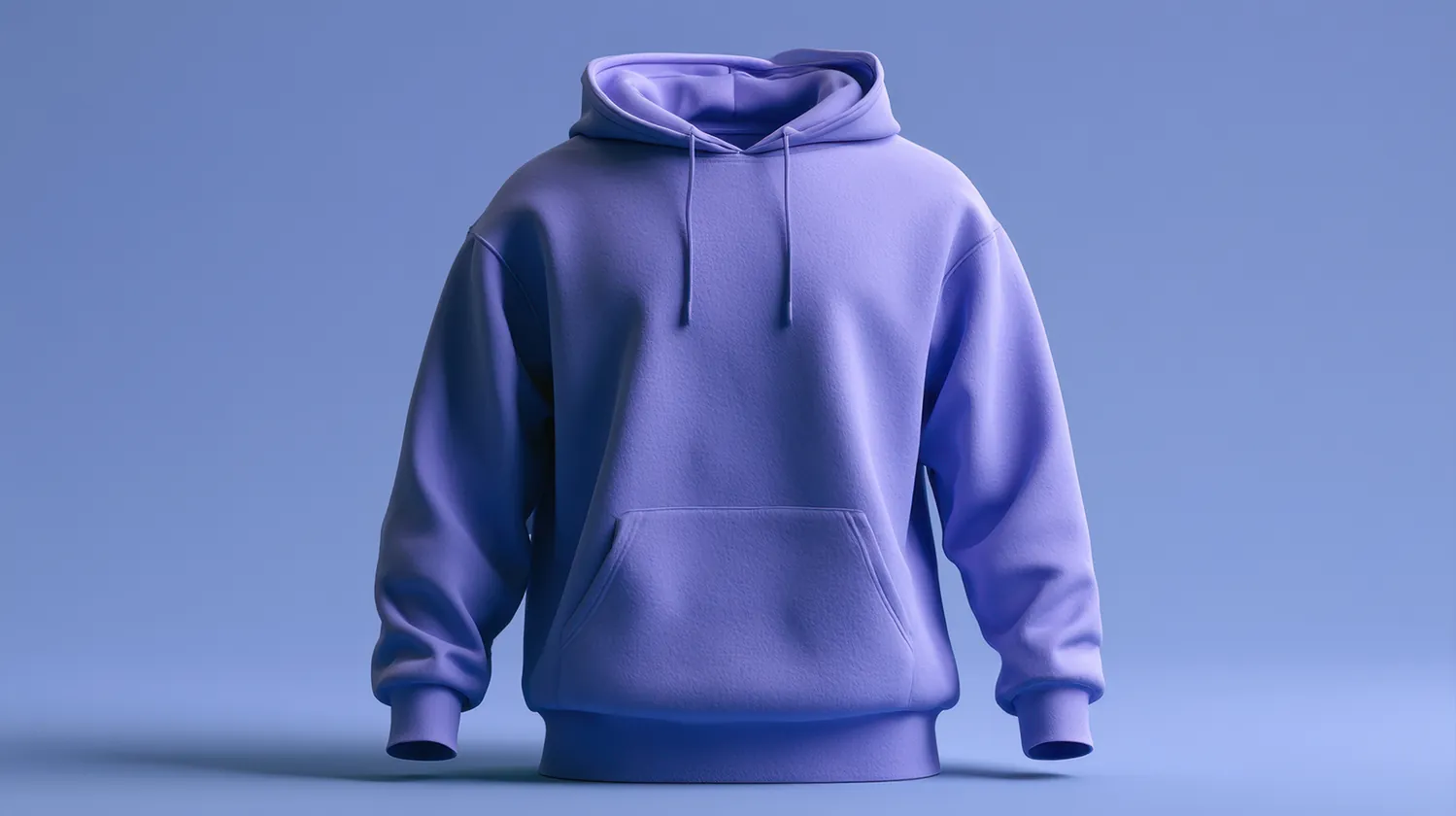
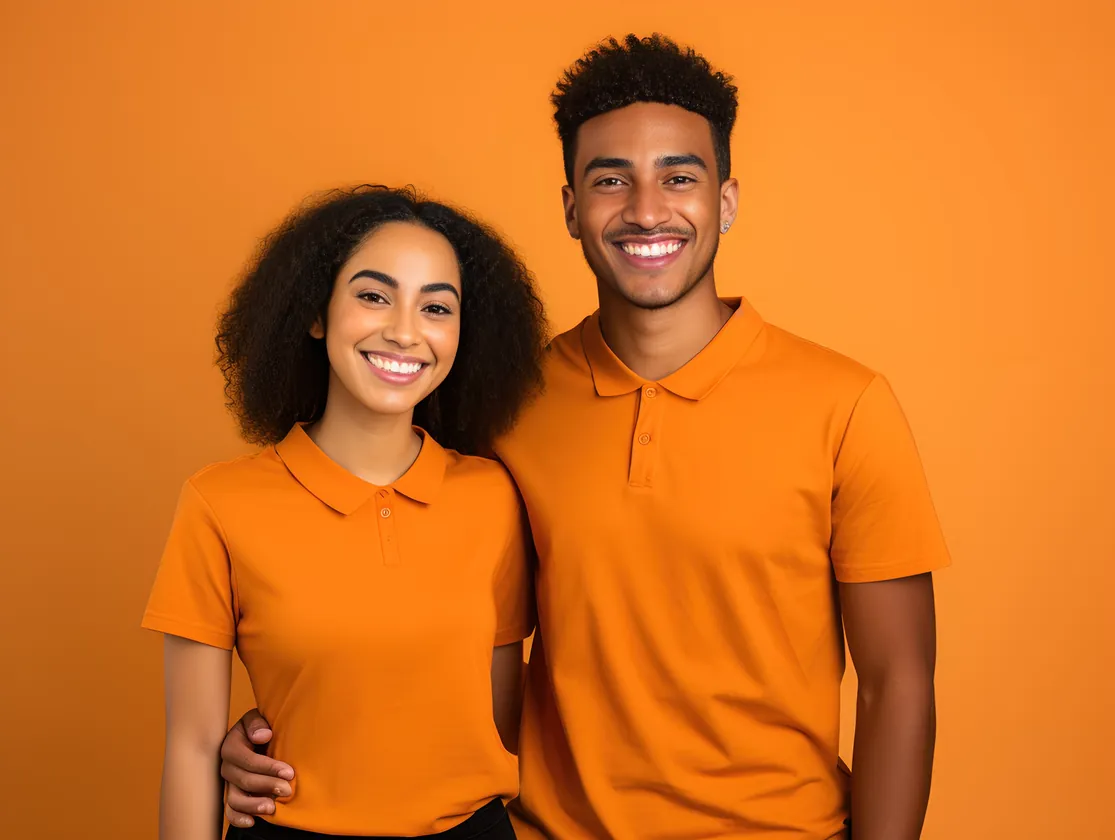
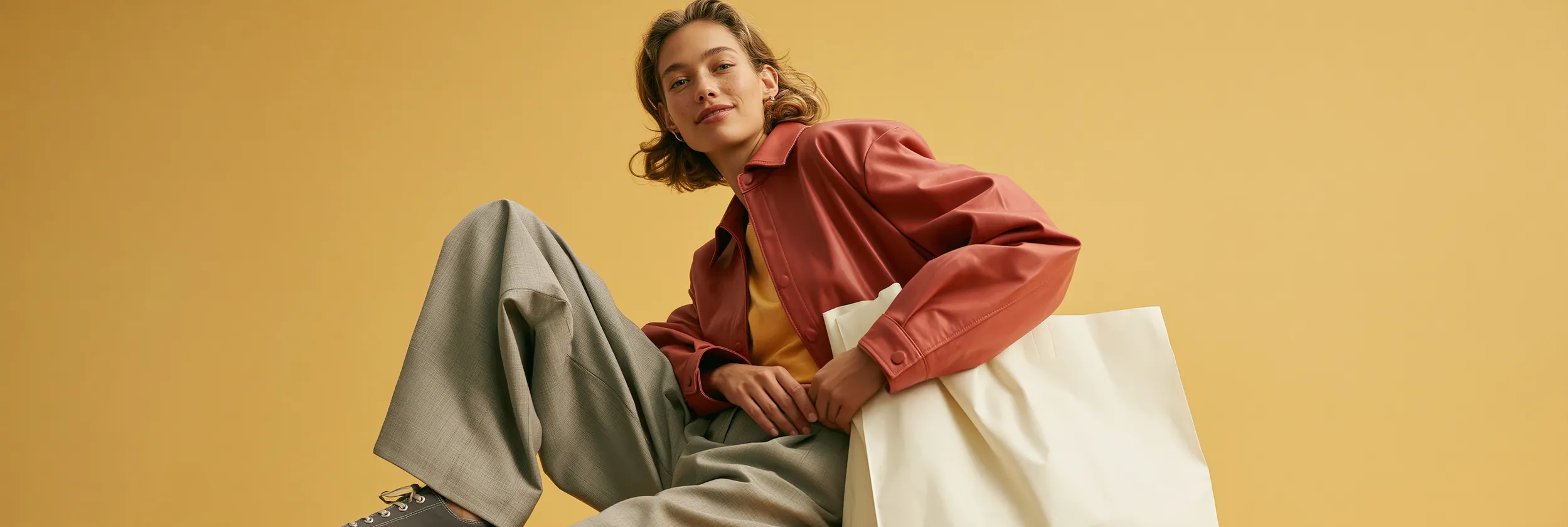
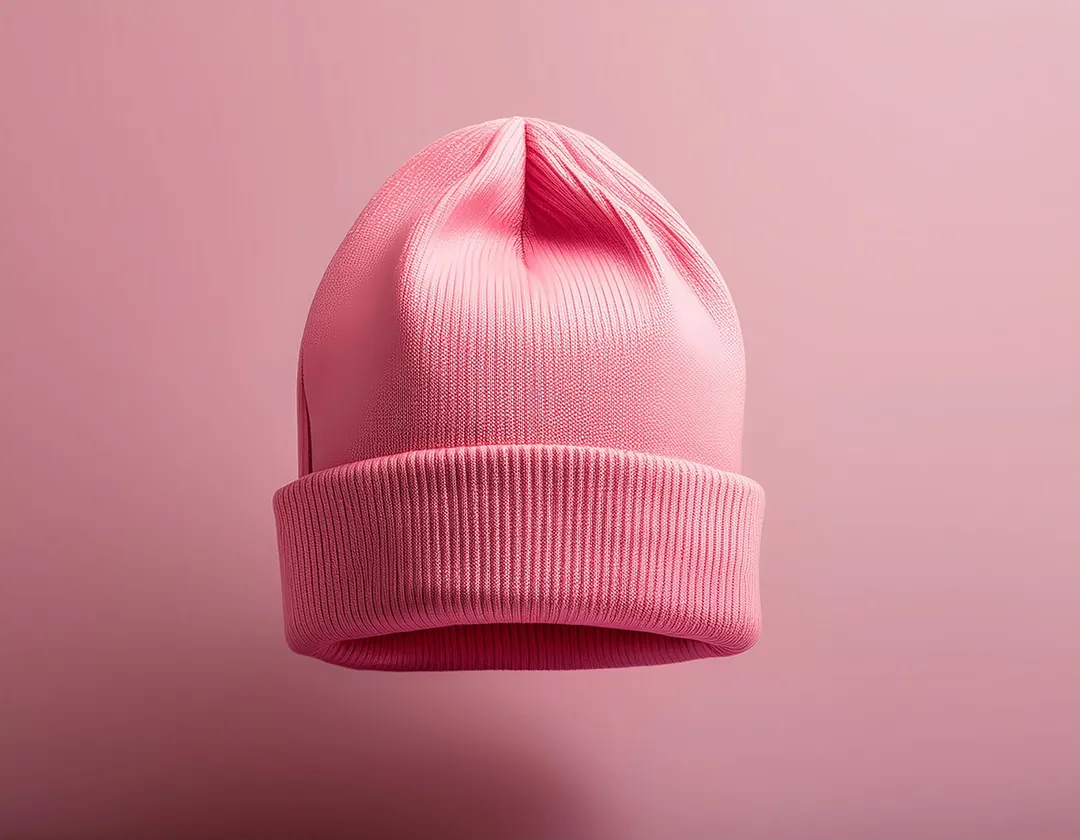
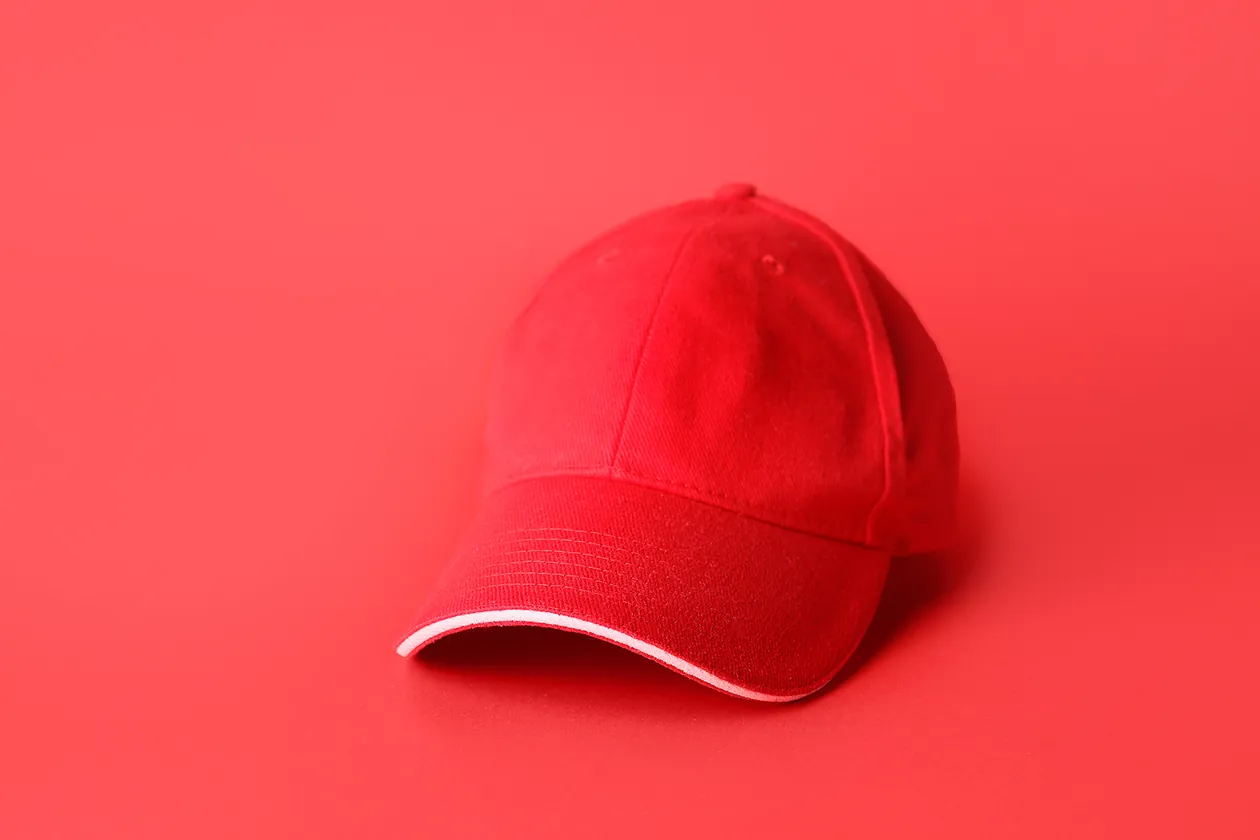
The same file, sewn at the size each garment can carry. Thread has no half-tones — so the size is the decision, never the logo.

What it costs
A person digitizing one logo by hand charges $10–85 and takes a day or two — often longer. Here is ours, and it is the whole price list.
Single
- One file — a logo, any size, any format
- Lettering is $5 a file
- Any of the seven formats
- No account needed
Studio
- 20 files a month
- 2 lettering files, then $5 each
- 2 vector files
- Cancel any time
Shop
- 100 files a month
- 8 lettering files, then $5 each
- 8 vector files
- Three seats
- Cancel any time
Factory
- 500 files a month
- Built for logo runs
- 20 vector files
- Ten seats
- Cancel any time